Live Now

Best IPTV Oman Subscription — 4K Sports, Movies & Live TV

Get the best IPTV Oman subscription for live TV channels, premium sports, Arabic entertainment, international movies, series and 4K streaming. Works on Smart TV, Android TV Box, Firestick, iPhone, Android, tablet, laptop and PC.

Smart TV Android Box Firestick iPhone Android Laptop
10,000+ Live Channels
4K HD Streaming
24/7 WhatsApp Support
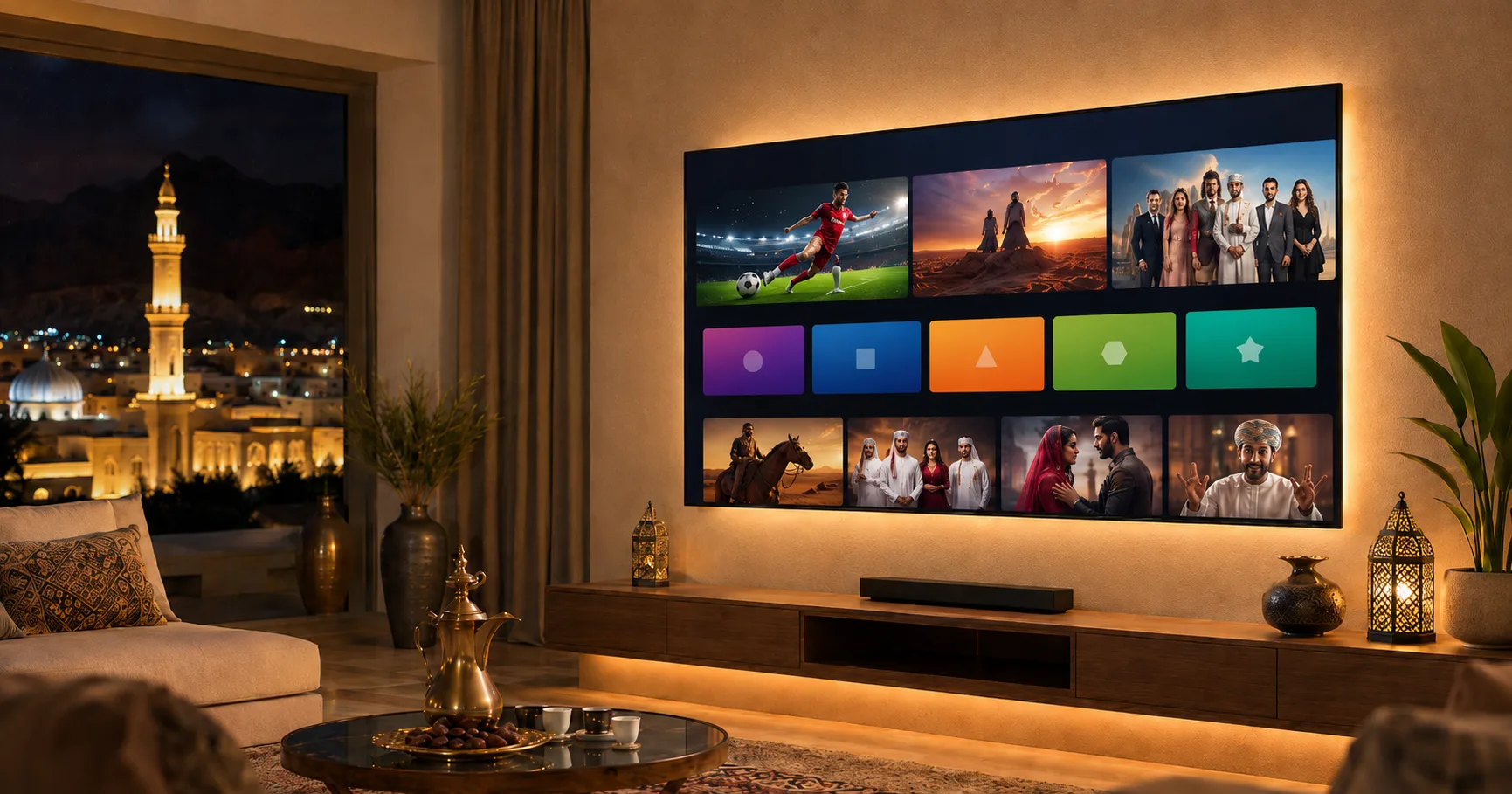
Best IPTV Oman subscription on Smart TV with sports movies and Arabic channels
Complete Package

Best IPTV Oman Service for Sports, Movies and Arabic Channels

A complete entertainment package in one place — live TV, sports, Arabic channels, movies, series, kids content and video-on-demand libraries.

📺

Live TV Channels

Thousands of live TV channels from different countries — Arabic TV, news, entertainment, movies, sports, documentaries and kids channels.

Sports Channels

Watch football, cricket, combat sports, motorsports and international sports events in HD or 4K quality with live match coverage.

🌙

Arabic Channels

Arabic entertainment, movies, drama, news, religious channels, regional channels and family content — the most requested category in Oman.

🎬

Movies & Series

International movies, Arabic movies, English movies, Turkish series, Indian entertainment and popular on-demand content categories.

👨‍👩‍👧‍👦

Kids Channels

Family-friendly entertainment with kids channels, cartoons and safe content for children of all ages.

HD & 4K Quality

Enjoy HD, Full HD and 4K content depending on your device, internet speed and selected package.

IPTV sports channels Oman in HD and 4K for football cricket and live events
Live Sports

Watch Every Match in HD & 4K

If you are looking for IPTV sports in Oman, choose a package with sports channels and live match coverage.

  • Football leagues and tournaments
  • Cricket matches and series
  • Combat sports and MMA
  • Motorsports and racing
  • International sports events
Arabic IPTV channels and family entertainment in Oman
Arabic Entertainment

Arabic Channels, Movies & Family Content

Arabic IPTV channels are the most requested category in Oman. Access entertainment, drama, news, religious channels and family content.

  • Arabic entertainment and drama
  • Arabic movies and series
  • News and religious channels
  • Kids and family-friendly content
  • Regional channel packages
Channel List

IPTV Oman Channels List – Sports, Arabic, Movies and International

Our IPTV Oman subscription can include different channel categories depending on the selected package. If you need a specific channel, sport, language or region, ask us before activation so we can guide you to the right option.

Sports Channels

Watch sports content including football, cricket, motorsports, combat sports and international events depending on package availability.

🌙

Arabic Channels

Access Arabic entertainment, news, drama, religious channels, movies, family content and regional channels popular with viewers in Oman.

🎬

Movie Channels and Series

Enjoy movies, series and video-on-demand content including Arabic movies, English movies, Turkish series, Indian entertainment and international libraries.

🌍

International Channels

IPTV packages may include channels from multiple countries and languages for users who want international TV in Oman.

Try Before You Buy

Free IPTV Trial in Oman

Test the service before buying. Check streaming quality, channel loading speed, app compatibility and internet performance on your device.

Pricing

IPTV Oman Plans & Subscription Prices

Choose the plan that fits your usage. Short-term for testing, long-term for better value.

1 Month
Starter

Best for first-time users. Test channel quality, app performance and streaming stability.

Ask Price
3 Months
Regular

Practical for regular home use without committing to a full year.

Ask Price
6 Months
Family

Better value for families and frequent viewers who want stable access.

Ask Price
12 Months
Annual

Best value — full year with renewal support and setup help included.

All Devices

Compatible IPTV Devices in Oman

Works on all popular devices. Not sure which app? Send us your device name or photo and we will guide you.

📺

Samsung Smart TV IPTV

Supported IPTV player apps

📺

LG Smart TV IPTV

IBO Player, Smart IPTV & more

📦

Android TV Box IPTV

Easiest device for IPTV

🔥

Firestick IPTV

Install IPTV apps easily

📱

iPhone & iPad IPTV

App Store IPTV apps

📱

Android Mobile IPTV

Stream on phone or tablet

💻

Windows PC IPTV

Laptop and desktop support

Apps

Best IPTV Apps for Oman Users

The right app depends on your device. We help you choose and configure the correct IPTV app.

▶️

IPTV Smarters Pro Setup

Android, Firestick, iPhone, Smart TV

📺

IBO Player Setup

Smart TVs, activation required

📡

Smart IPTV Setup

Smart TVs, playlist setup

🎯

XCIPTV Player Setup

Android devices, simple layout

📋

TiviMate IPTV Setup

Android TV & Box, TV-style UI

Setup Guide

How to Install IPTV in Oman

Simple setup — most users start watching within minutes after activation.

1

Choose Device

Tell us your device — Smart TV, Android Box, Firestick, phone or laptop.

2

Install App

We recommend the right IPTV app and guide you through installation.

3

Send Details

Send device ID, MAC address or activation code as needed.

4

Activate

After payment or trial, we provide login or playlist details.

5

Start Watching

Open the app, refresh channels and enjoy live TV, sports and movies.

Setup Help

IPTV Setup Guides for Smart TV, Firestick and Android Box

Different devices need different IPTV apps and setup steps. We help Oman users install the correct IPTV app, enter the subscription details and start watching without confusion.

📺

Smart TV IPTV Setup

For Samsung, LG and Android Smart TVs, we guide you to the right IPTV app and help with activation details such as playlist URL, device ID or MAC address where required.

🔥

Firestick IPTV Setup

For Amazon Firestick, we help you install a compatible IPTV app and configure your login or playlist details.

📦

Android TV Box IPTV Setup

Android TV Boxes are one of the easiest devices for IPTV. We can guide you through app installation, login setup and basic troubleshooting.

📱

Mobile IPTV Setup

For iPhone, iPad and Android mobile users, we help choose the right app and activate the subscription on your device.

Speed Guide

Internet Speed Needed for IPTV in Oman

Your internet connection affects IPTV performance. Here is what you need for smooth streaming.

Quality Minimum Speed Recommended Notes
HD (720p) 10 Mbps 15 Mbps Stable Wi-Fi or wired connection
Full HD (1080p) 15 Mbps 25 Mbps Avoid multiple devices on same Wi-Fi
4K (2160p) 25 Mbps 50+ Mbps Wired Ethernet recommended for best results
Tip: Use a strong internet connection, keep your device close to the router, restart the app if needed, clear app cache on Android devices and avoid using too many devices on the same Wi-Fi.
Why TA OMAN

Why Choose Our IPTV Oman Subscription

We don't just sell subscriptions — we help you choose, install and start watching without confusion.

Fast Activation

Most subscriptions activated quickly after device details and payment are confirmed.

🎁

Free Trial Available

Test before buying — check quality and compatibility on your device.

📡

No Satellite Dish

IPTV works through the internet. No dish installation needed.

🔧

Setup Guidance

We help you install the right app and configure everything on your device.

🇴🇲

Oman WhatsApp Support

Get help through WhatsApp for setup, activation, renewal and troubleshooting.

📍

All Oman Coverage

Muscat, Seeb, Salalah, Sohar, Nizwa, Sur, Barka, Ibri and all areas — remote setup via WhatsApp.

Reviews

IPTV Oman Customer Reviews

★★★★★

"Activated quickly and helped me set it up on my Smart TV. Very smooth process."

— Customer in Muscat
★★★★★

"Sports channels worked well after setup. Support helped me choose the correct app for my Firestick."

— Customer in Sohar
★★★★★

"Arabic channels, kids channels and movies were easy to find after installation. The family loves it."

— Customer in Salalah
FAQ

IPTV Oman Frequently Asked Questions

What is IPTV?
IPTV means Internet Protocol Television. It allows you to watch live TV and video content through the internet using an IPTV app or compatible device.
What is the best IPTV subscription in Oman?
The best IPTV subscription in Oman depends on your device, internet speed and the type of content you want. If you need sports, Arabic channels, movies or 4K streaming, choose a package that supports those categories.
Can I get a free IPTV trial in Oman?
Yes, you can request a free IPTV trial to test the service before buying a longer subscription.
Does IPTV work on Smart TV?
Yes, IPTV can work on Samsung Smart TV, LG Smart TV and Android Smart TV using compatible IPTV apps.
Does IPTV work on Firestick?
Yes, IPTV can work on Amazon Firestick using supported apps like IPTV Smarters Pro.
Can I watch sports with IPTV in Oman?
Yes, sports content may be available depending on the selected IPTV package. Ask before buying if sports is your main requirement.
Can I watch Arabic channels?
Yes, Arabic channels and regional entertainment are available in many IPTV packages.
Do I need a satellite dish?
No, IPTV works through the internet. You do not need a satellite dish.
Why is my IPTV buffering?
Buffering is usually caused by weak Wi-Fi, slow internet, device issues, app problems or temporary server load.
Can I use one subscription on multiple devices?
This depends on the subscription package. Some subscriptions allow one device only, while others may support more.
How fast is IPTV activation?
Activation is usually fast after payment and device details are confirmed.
Important Note: Channel lists, movies, sports events and content availability can change depending on the IPTV package and provider source. If you need a specific channel, league, language or content category, ask us before buying. We always recommend testing first when possible, especially if sports or a specific channel is important to you.
Get Started

Buy the Best IPTV Oman Subscription Today

Start watching live TV, sports, Arabic channels, movies and series. Choose your plan, request a free trial, install the correct IPTV app and activate quickly.