
Home / Attendance Management Software
Attendance Management Software Oman
If HR only needs late, absent, overtime, total hours and Excel export, basic attendance software may be enough. If salaries depend on shifts, branches or integration with Odoo, Tally, Focus, SAP or another HRMS, choose the software workflow before choosing the device.
This page explains what the software should do, what reports to expect, and what IT should check before approving an attendance system.
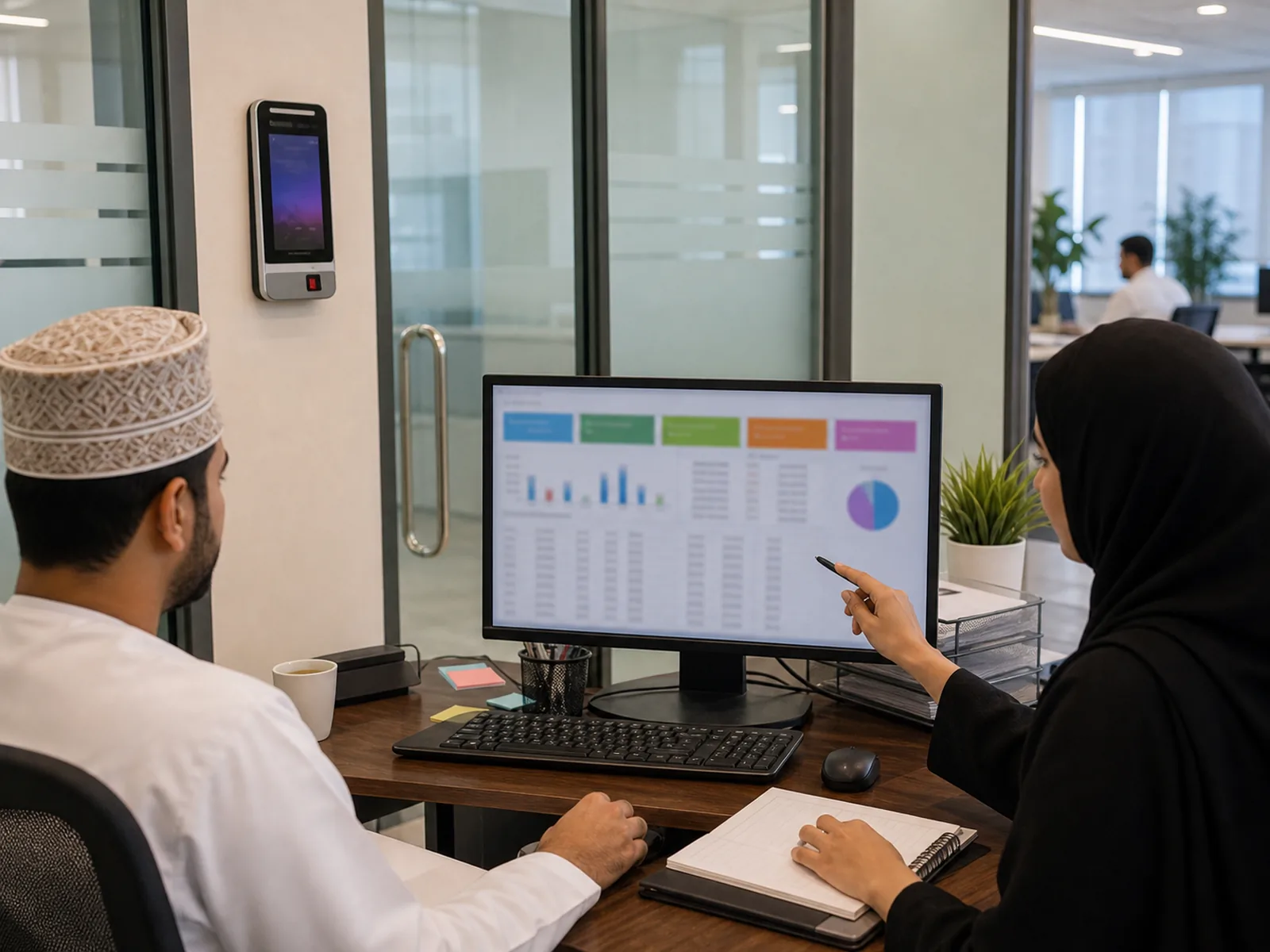
Will the Software Give HR a Clean Month-End Report?
The real test of attendance software is not the first day of installation. It is the end of the month, when HR needs late, absent, overtime, total hours and an Excel export that can be checked before salary calculation.
In most Oman businesses, attendance software does not calculate salary directly. It exports attendance data, then HR or finance calculates salaries separately. If the report is unclear, the company goes back to manual Excel correction.
Still choosing your hardware too? Software is only half the decision. Start with our time attendance system in Oman guide to compare machines, software and budgets.
To see how Oman overtime rates work, try our free Oman overtime calculator.
Not ready for software yet? Start with our free Excel attendance sheet for Oman — it calculates the same overtime rates manually, and works up to about 25 staff.
Which Reports Should Be Confirmed Before Buying?
| Report | Why It Matters |
|---|---|
| Late report | Shows who crossed the allowed grace period. |
| Absent report | Helps HR separate absence from approved leave or missed punch correction. |
| Overtime report | Helps HR review extra hours before payroll processing. |
| Total hours report | Useful for sites, factories and staff paid based on working hours. |
| Excel export | The practical handover format for many HR and finance teams in Oman. |
Can Basic Device Software Handle Shifts, Overtime and Leave?
Basic software included with many attendance devices can export standard reports, but it may not handle every real HR rule well. Factories may need rotating shifts. Construction sites may need site-wise overtime. Schools may need holidays and Ramadan timings. Multi-branch companies may need branch filters and role-based access.
- Grace period for late arrival
- Overtime calculation after approved working hours
- Approved leave adjustment so leave is not counted as absence
- Different weekly offs by employee group or department
- Manual correction approval for missed punches
Can It Connect to Odoo, Tally, Focus, SAP or Another HRMS?
Most attendance setups can export data to Excel or CSV. Direct integration with HRMS or payroll software is different. For systems such as Odoo, Tally, Focus, SAP or another HRMS, the buyer should ask whether an integration module, API license or custom workflow is required.
Odoo has become more common in Oman recently, but integration should still be checked case by case. Do not assume a low-cost attendance device includes direct HRMS integration.
Procurement tip: ask whether the quotation includes only the device, or device plus software, report setup, Excel export, integration module, admin training and support. Ask the supplier to show each cost separately.
Should IT Approve Cloud Software or Local Server Software?
Cloud software
Better for multi-branch companies and managers who need access from different locations. Internet reliability, user permissions and data access roles matter.
Local/server software
Useful when data must stay inside the company network. IT must manage backups, access and server health.
What Support Problems Should IT Plan For?
- Forgotten admin password
- Device offline after router, ISP or IP address changes
- Employee codes duplicated by different admin users
- Wrong shift rules causing month-end report mismatch
- Unclear responsibility for backups and report access
Need Attendance Reports That HR Can Use at Month-End?
Tell us your shift rules, approval process, payroll export format and branch count. We will recommend software that gives HR usable month-end reports.