
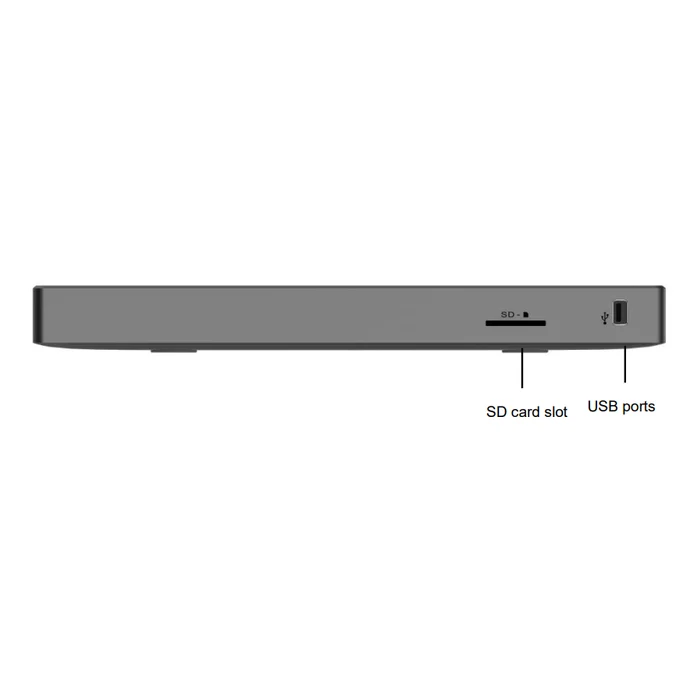
Grandstream UCM6300A
Audio Series IP PBX
Up to 250 users · 50 concurrent calls (G.711) · 0 FXS / 0 FXO ports
Compare Grandstream IP PBX systems and office IP phones in Oman. We provide complete IP PBX installation and configuration, migration from analog PBX to IP PBX, and call centre setup for offices and businesses. Whether you need a new telephone system, an upgrade or additional desk phones, we help you choose and configure the right setup for your team.
Audio Series IP PBX
Up to 250 users · 50 concurrent calls (G.711) · 0 FXS / 0 FXO ports
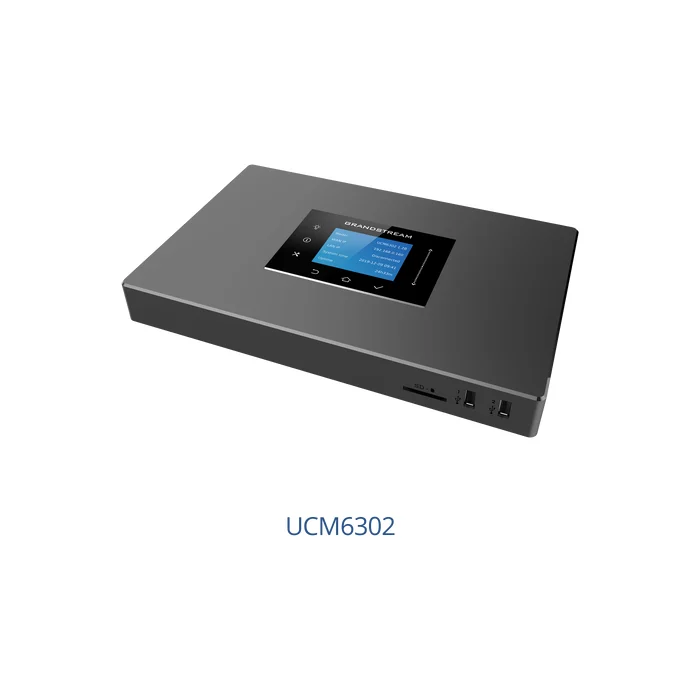
Audio & video IP PBX
Up to 1000 users · 150 concurrent calls (G.711) · 2 FXS / 2 FXO ports
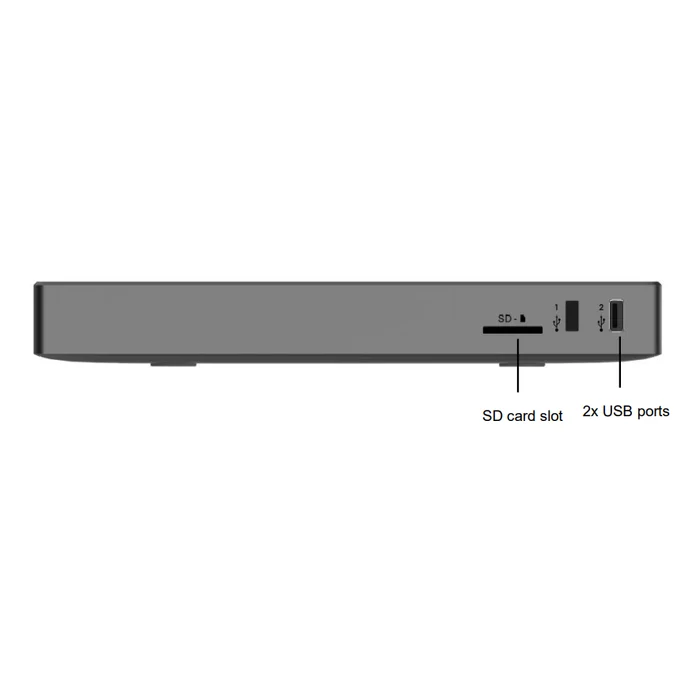
Audio Series IP PBX
Up to 500 users · 75 concurrent calls (G.711) · 2 FXS / 2 FXO ports
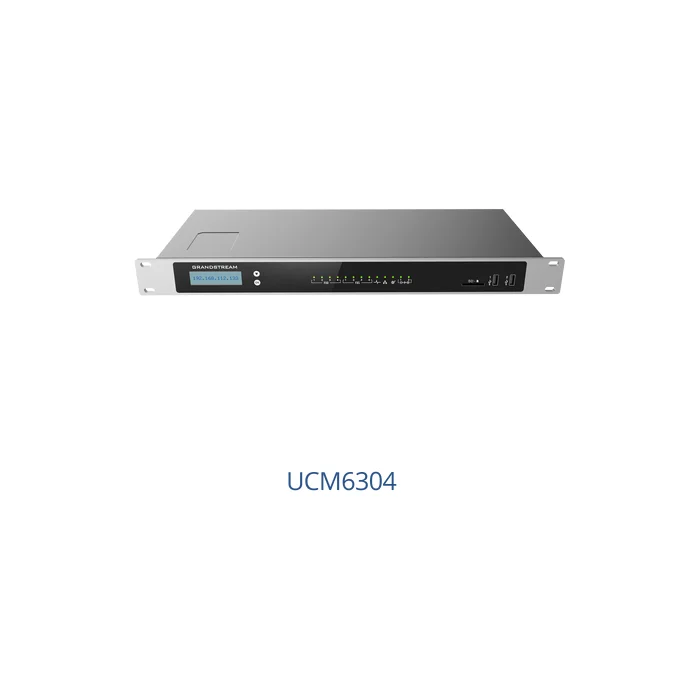
Audio & video IP PBX
Up to 2000 users · 300 concurrent calls (G.711) · 4 FXS / 4 FXO ports
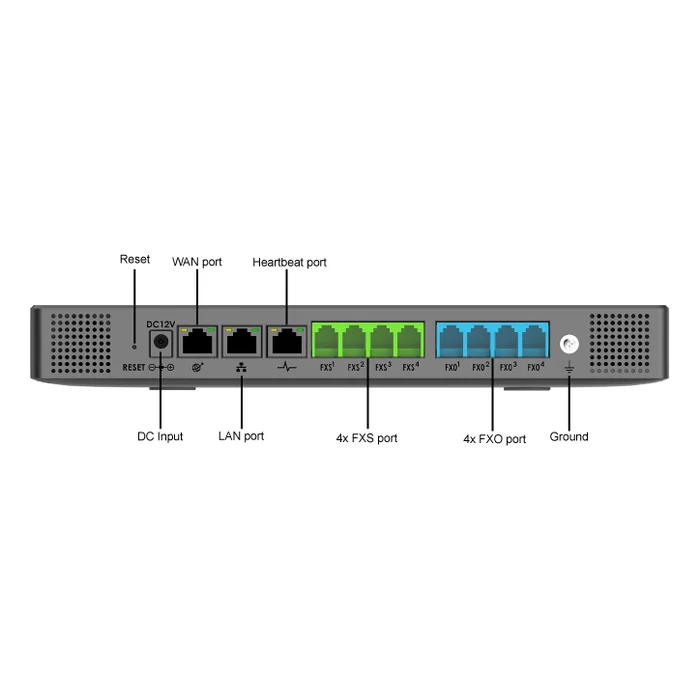
Audio Series IP PBX
Up to 1000 users · 150 concurrent calls (G.711) · 4 FXS / 4 FXO ports
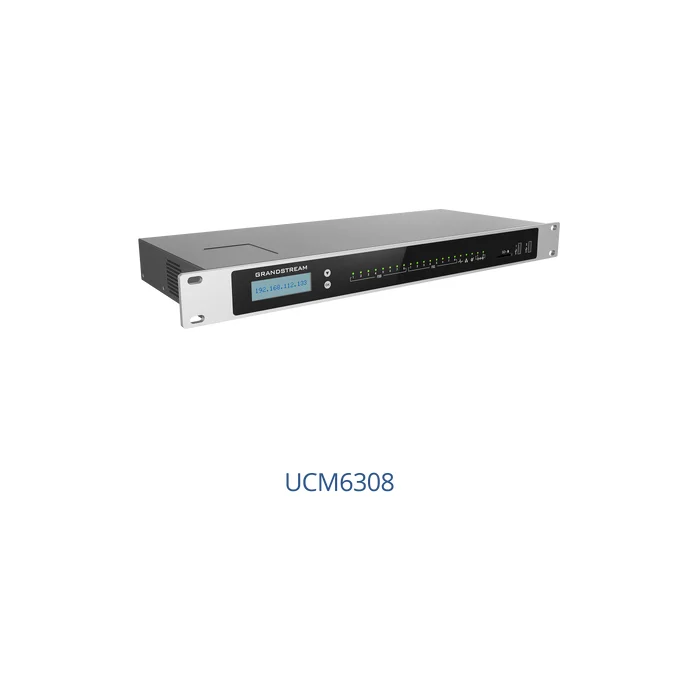
Audio & video IP PBX
Up to 3000 users · 450 concurrent calls (G.711) · 8 FXS / 8 FXO ports
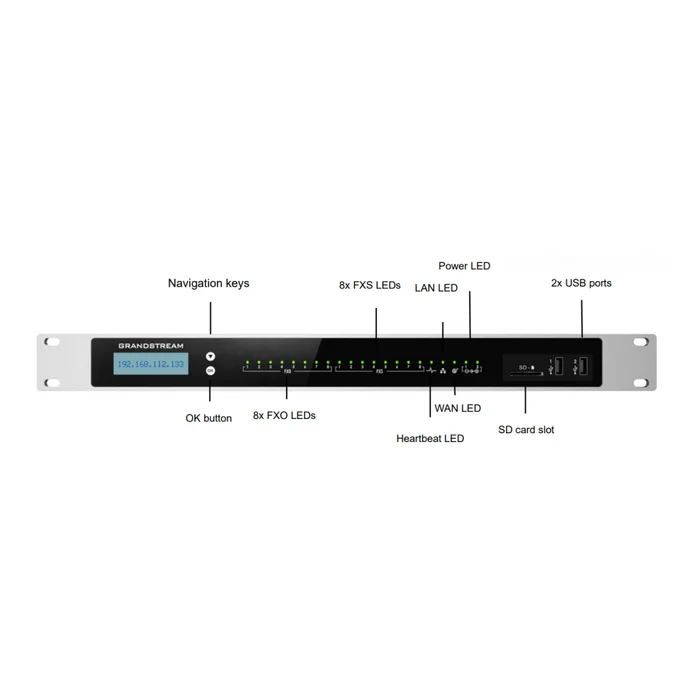
Audio Series IP PBX
Up to 1500 users · 200 concurrent calls (G.711) · 8 FXS / 8 FXO ports
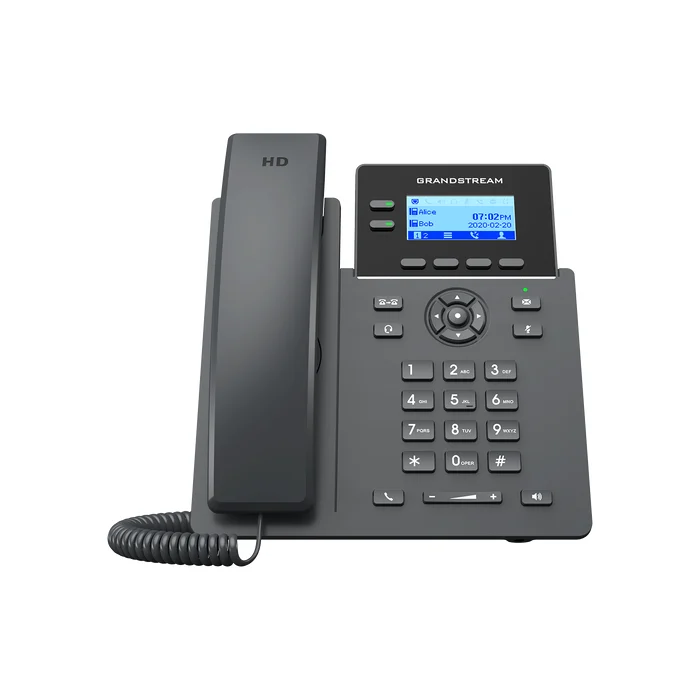
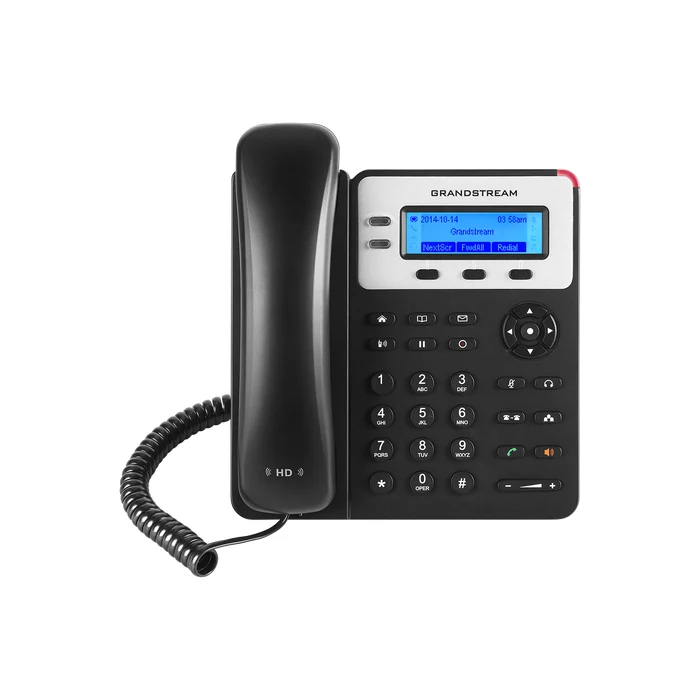
Essential IP desk phone
4 SIP accounts · Dual 10/100 Mbps ports · PoE · Backlit graphical LCD
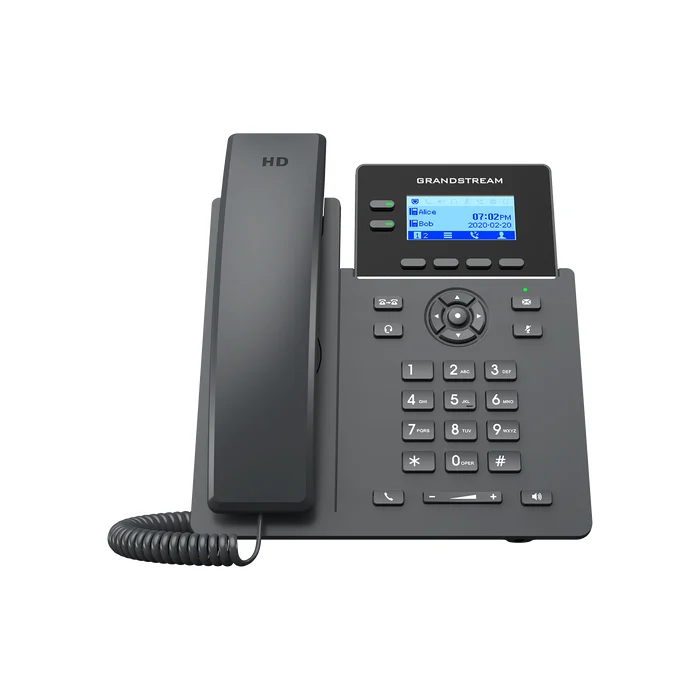
Basic IP desk phone
2 SIP accounts · Dual 10/100 Mbps ports · PoE · Backlit graphical LCD
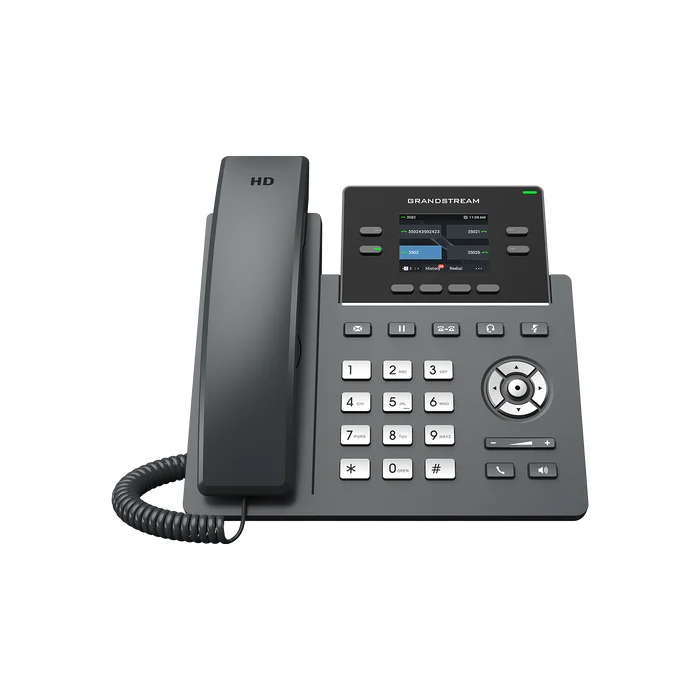
Gigabit IP desk phone
4 SIP accounts · Dual Gigabit ports · PoE · Backlit graphical LCD
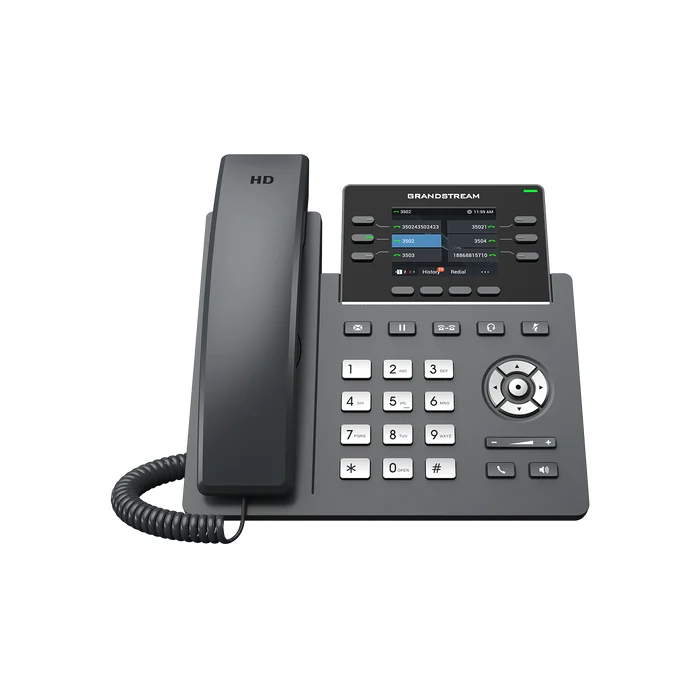
Wireless IP desk phone
4 SIP accounts · Dual 10/100 Mbps ports · PoE · Dual-band Wi-Fi · Colour LCD
Professional IP desk phone
6 SIP accounts · Dual Gigabit ports · PoE · Wi-Fi 6 · Colour LCD
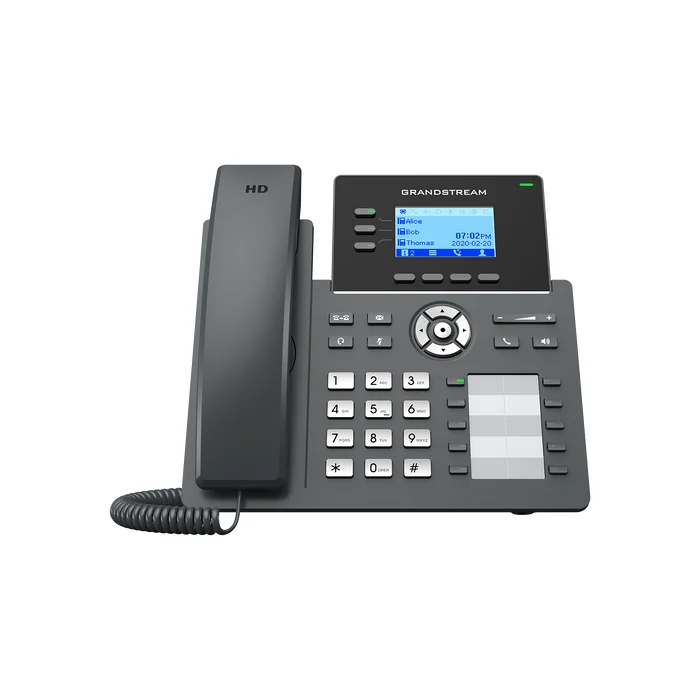
Essential IP desk phone with BLF keys
6 SIP accounts · Dual Gigabit ports · PoE · Backlit graphical LCD
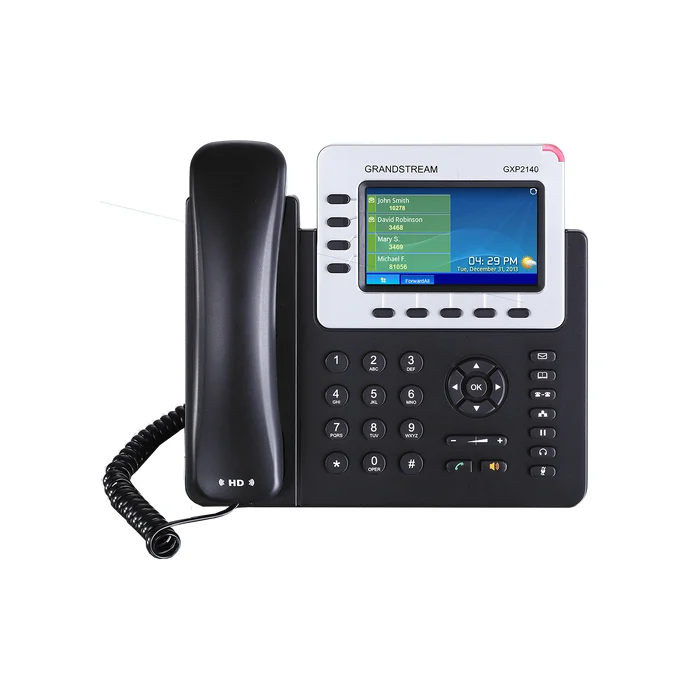
Enterprise IP desk phone
4 SIP accounts · Dual Gigabit ports · PoE · 4.3-inch colour LCD
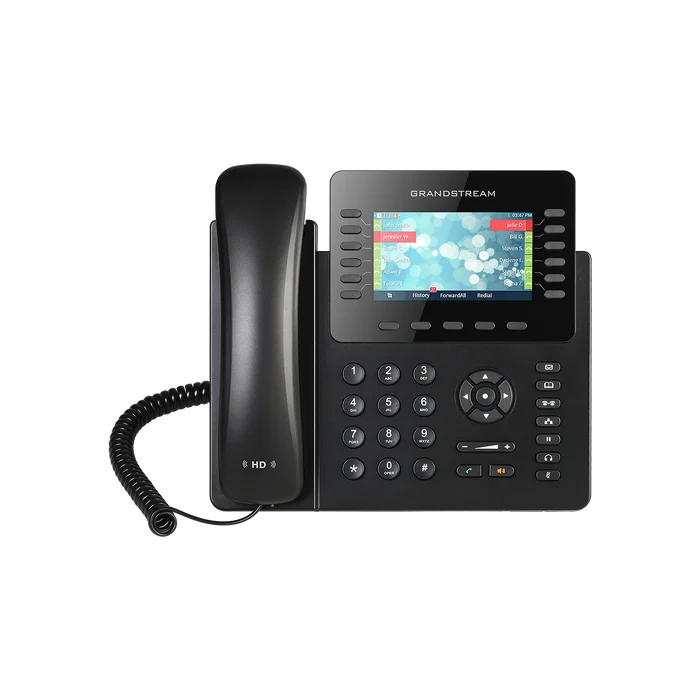
IP desk phone for high call volumes
6 SIP accounts · Dual Gigabit ports · PoE · 4.3-inch colour LCD
Reset the filters or contact us and we will help you choose suitable equipment.
The first thing to consider is how many staff will require extensions, how many calls you will need to handle at the same time and how many desk phones each team needs. Please check if your current telephone service supports these needs. Include staff at branches and those working remotely, and carefully check your network, cabling and power supply before purchase.
There are different needs for extensions and call capacity. For instance, 50 staff members may require 50 extensions, but they may not all make or receive calls at the same time. The maximum PBX capacities listed above are for comparison only. Audio settings, encryption and other features can affect capacity. We consider all your needs before recommending a system to you.
TAOMAN Telephone Systems provides complete installation and setup of IP PBX systems in offices. We work with your staff to plan your extension numbers, incoming and outgoing call routing and reception requirements. We then set up the system accordingly. All features, connections and installation details are confirmed for each project.
List your existing phones, phone lines, cables and features, plus what you want from your new system. Some equipment may need to be replaced, while other equipment may work with gateways or adapters. Before quoting, we check compatibility. These checks determine whether you can continue to use your current analog phones and wiring.
Design the system based on the number of agents, incoming call volume, queues and reporting requirements. Agree on how agents will make and receive calls and what supervisors must monitor. Reporting features, voice menus (IVR) and call recording depend on the system chosen and any required licences. These details are confirmed before installation.
An IP PBX manages the extensions and directs the calls. The staff member's desk phone for making and receiving calls through a network is an IP phone. It requires a compatible PBX or telephone service to function. An IP phone alone does not provide an office telephone service.
Please call us to discusss your current PBX brand and model, the number of phones you current have and new phones you would like to add and the features your team uses.
First, we check phone compatibility, available extension capacity and any setup or licence requirements. Compatibility with your current PBX or telephone service provider must also be confirmed.
Tell us how many staff and phone extensions you need, whether this is a new installation or an existing system, and if you require analog PBX migration or call centre setup. We will help you compare suitable equipment and prepare a quote for your requirements.